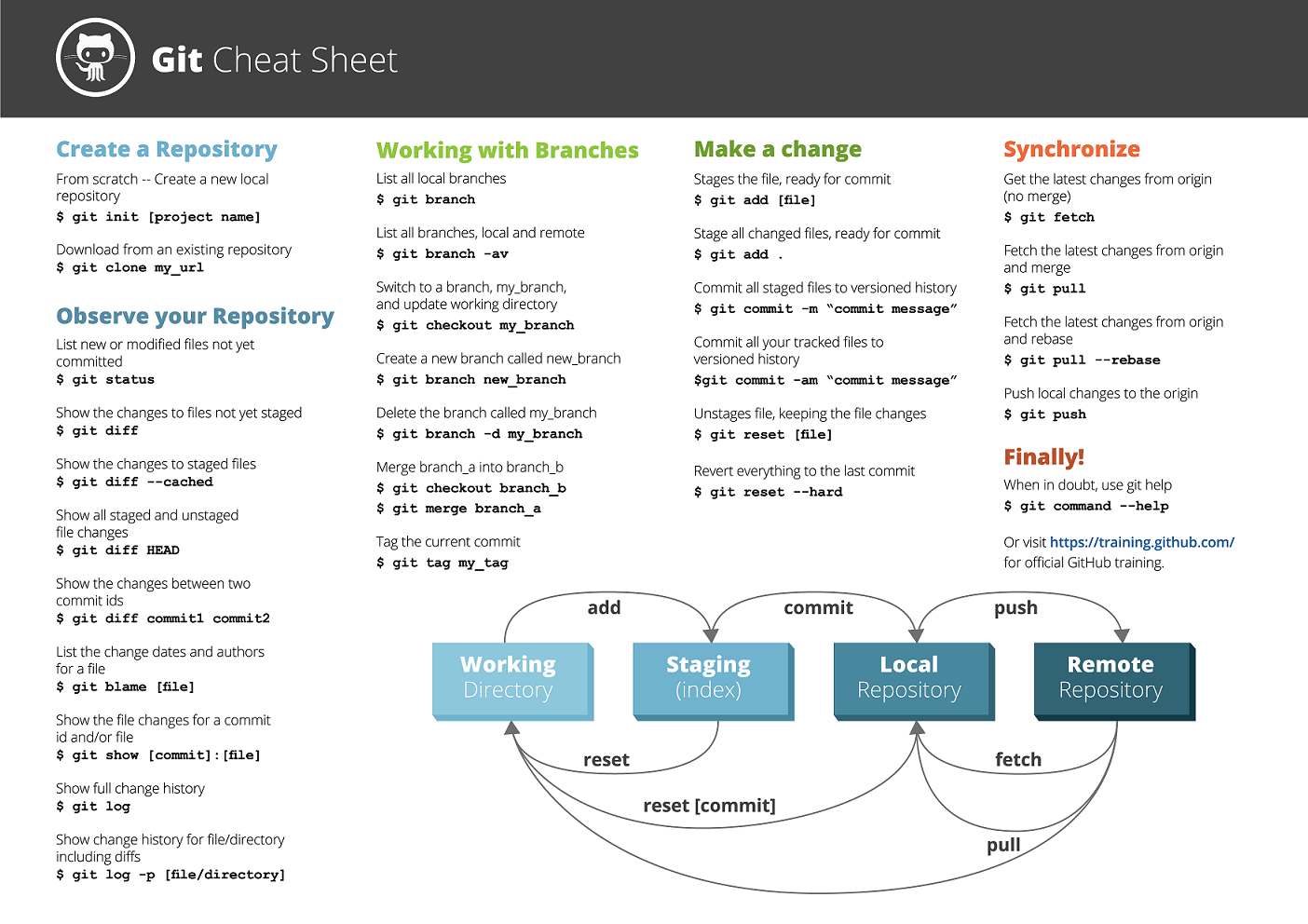
Youtap uses Jira for managing software releases. Jira tickets are used to capture the development requirements from design through to testing. Tickets are worked into Sprints or a Kanban flow.
Each ticket is considered a feature, and feature branches are created with the Jira ticket as the name. This provides a consistent approach for developers and makes all work easily trackable.
Version 5 Branching Style - Development - Confluence (atlassian.net)
Squashing Code Commits
"Squashing code commits" is a term commonly used in version control systems, such as Git. It refers to the process of condensing or combining multiple commits into a single commit with a more meaningful and coherent message. This is often done to create a cleaner and more organized commit history, making it easier to review and understand the development process.
Here's how squashing code commits works:
Identify Commits to Squash
You start by identifying a series of consecutive commits in your branch's commit history that you want to squash. Typically, these are smaller, incremental commits that were made during the development process.
Interactive Rebase
You use Git's interactive rebase feature to perform the squashing. To do this, you would enter the following command in your terminal:
git rebase -i HEAD~n
"n" represents the number of commits you want to include in the rebase operation. This command opens an interactive text editor where you can manipulate the commits.
-
Edit Commit Messages: In the text editor, you will see a list of the selected commits. You can change the action from "pick" to "squash" or "s" for the commits you want to combine. For the first commit in the list, you usually leave it as "pick." For subsequent commits, change them to "squash" to merge their changes and commit messages into the first commit.
-
Combine Commits: After saving and exiting the text editor, Git will prompt you to provide a new commit message that summarizes the changes from the squashed commits. You can edit and refine the commit message as needed.
-
Save and Finish: Once you've provided the new commit message, save and exit the text editor again. Git will then complete the rebase, squashing the selected commits into one and rewriting the commit history.
Squashing code commits is a useful practice for several reasons:
-
Maintaining Clean History: It helps maintain a clean and linear commit history, making it easier to understand the progression of development.
-
Reducing Noise: It reduces the noise in the commit history, removing minor, inconsequential commits.
-
Simplifying Review: It simplifies the code review process, as the reviewer can focus on meaningful changes in each commit.
-
Preparing for Integration: Squashing commits can make it easier to prepare a branch for integration into a main codebase or repository.
However, it's important to use this technique judiciously. Squashing should not be used to hide code changes or history, and it's essential to preserve a detailed history when dealing with larger features or bug fixes.