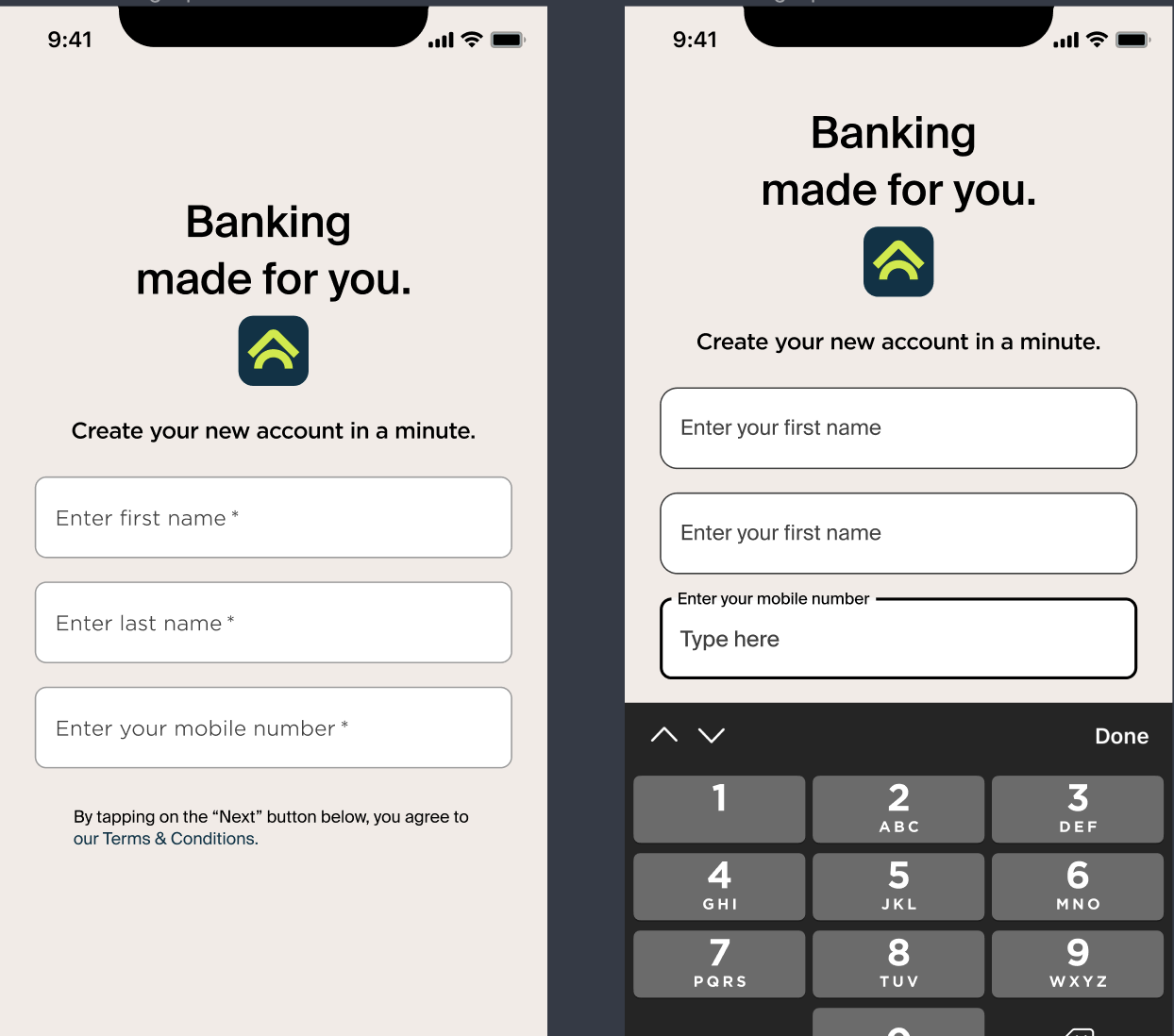
Default expected behaviour:
-
Keyboard appears (slide in from the bottom of the screen) on top of all the content AND other overlays when active
-
It is to align to the bottom of the screen while active
-
Dedicated done, or return button to finish the input action.
-
Alternatively tap outside the keyboard and ‘focused’ input UI to to collapse the keyboard
-
-
Keyboard collapsed down out of the visible frame.
Interaction with other overlay or UI
-
Input box/UI + PIN Box
-
When input/PIN box is tapped, the input/PIN box goes onto the focus mode.
-
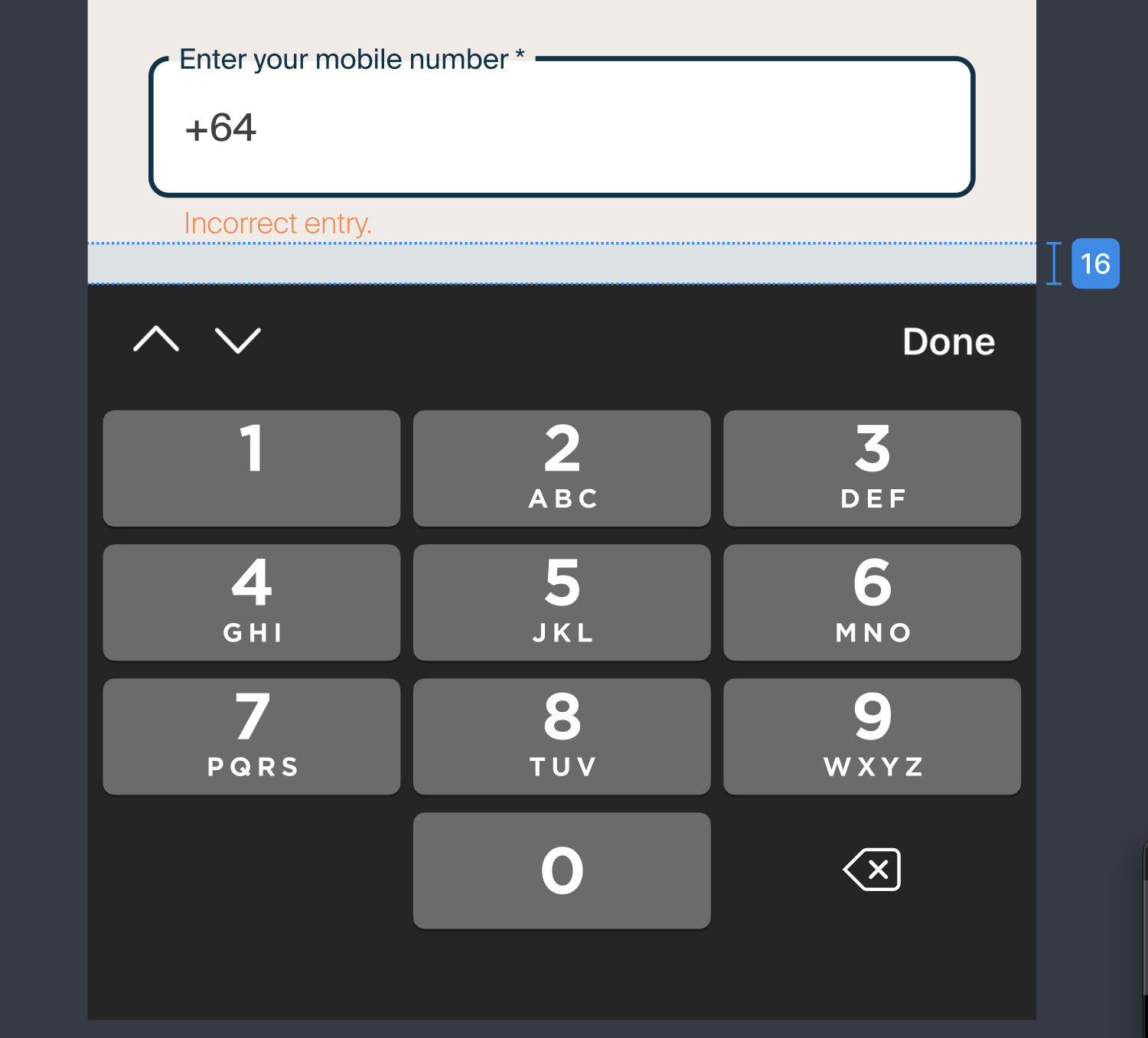
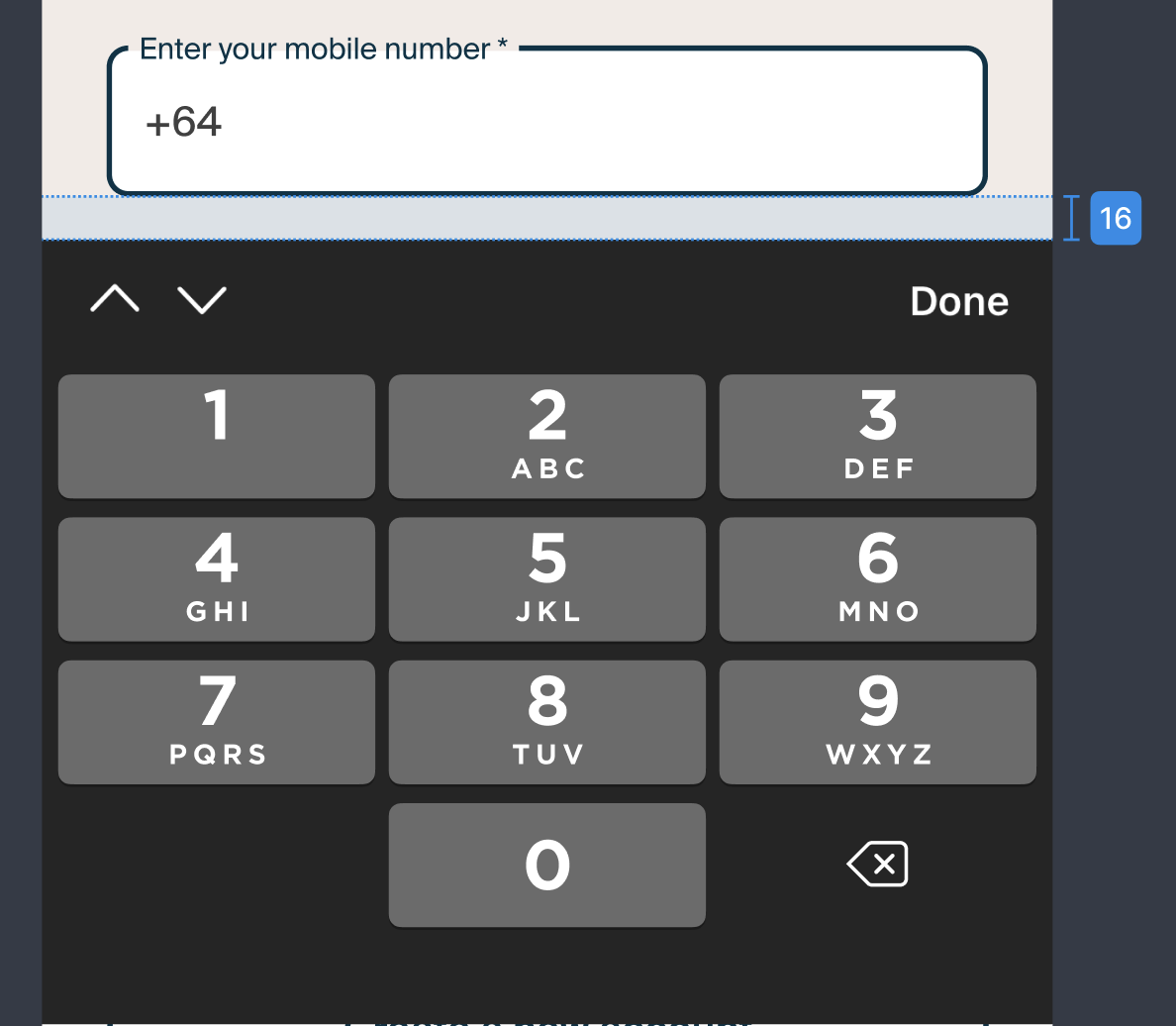
Rule is, the Focused input and keyboard are to have 16px minimum gap (when in error, Including error message).
-
When the keyboard is active, other CTA interactions are not responsive, as tap regions outside keyboards will be dedicated to closing the keyboard.
-
Once done/return is pressed, Keyboard collapsed down out of the visible frame. Then, the input field goes back to the default state, or have error state depending on the information typed.
-
Keyboard is always placed at the top of arrangement of layers when active.
What if I tapped outside the keyboard during typing?
-
When you mistakenly tapped outside while typing in information, the inputs added thus far will be saved and presented as non focused.
-
The input field will respond with error message if typed content is assessed as incorrect/wrong info
-
Users can tap in again to edit the information.
Visual reference of the rules:
-
Do not have focused inputs’s gap to keyboard less than 16px
CORRECT CASES
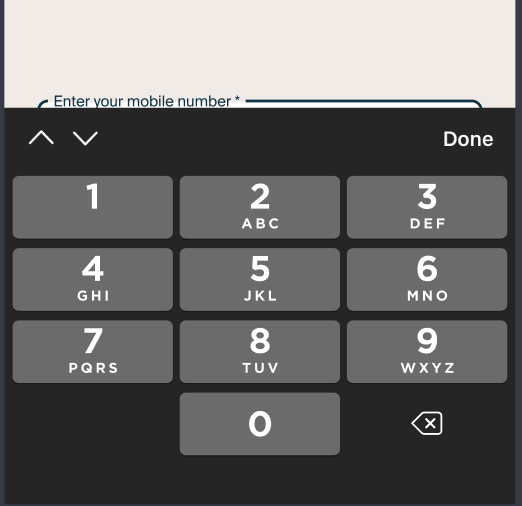
WRONG CASES
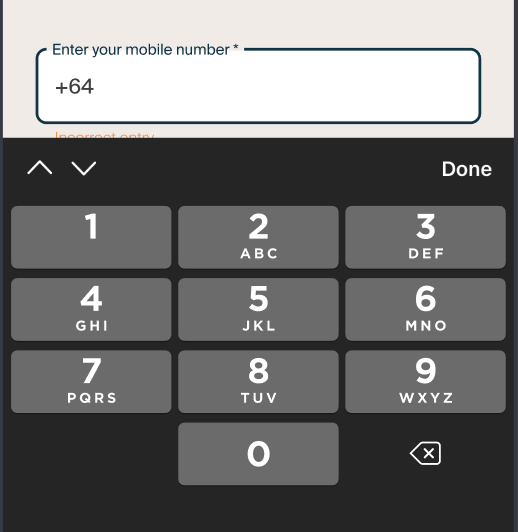
2. When keyboard is active, inputs or PIN box are always in focus mode
( MAINLY THICKNESS DIFFERENCE)
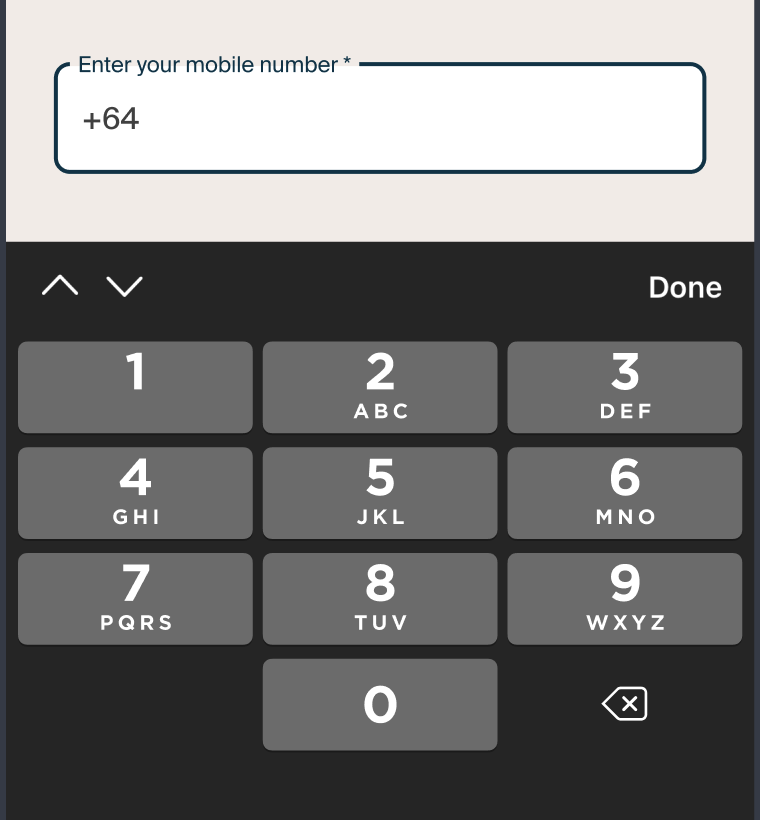
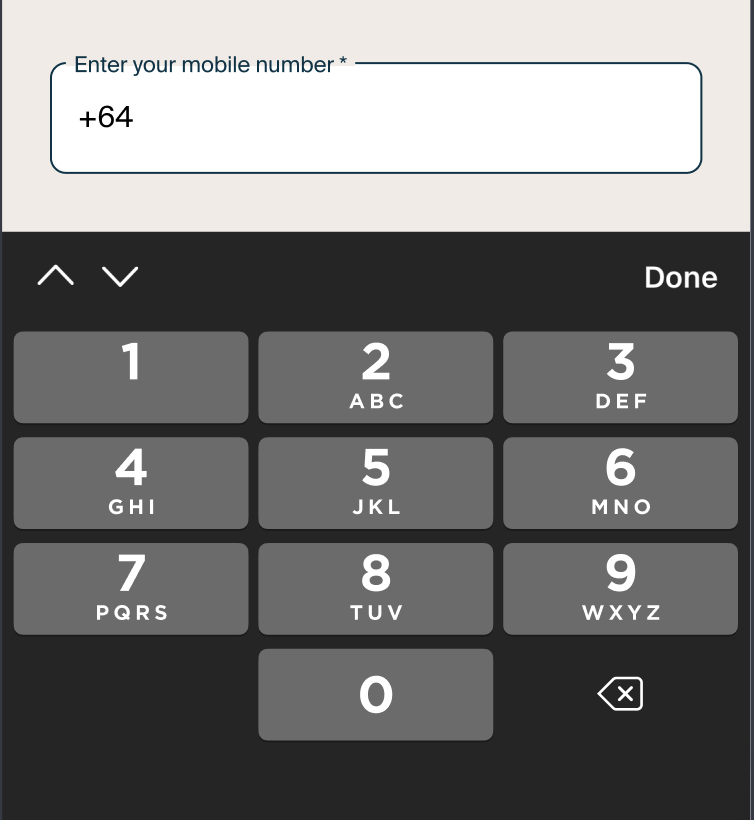
3. There should NOT be any other UI element places on top of the keyboard.
-
When keyboard is active, they are at the top of arrangement in all scenarios
WRONG CASES
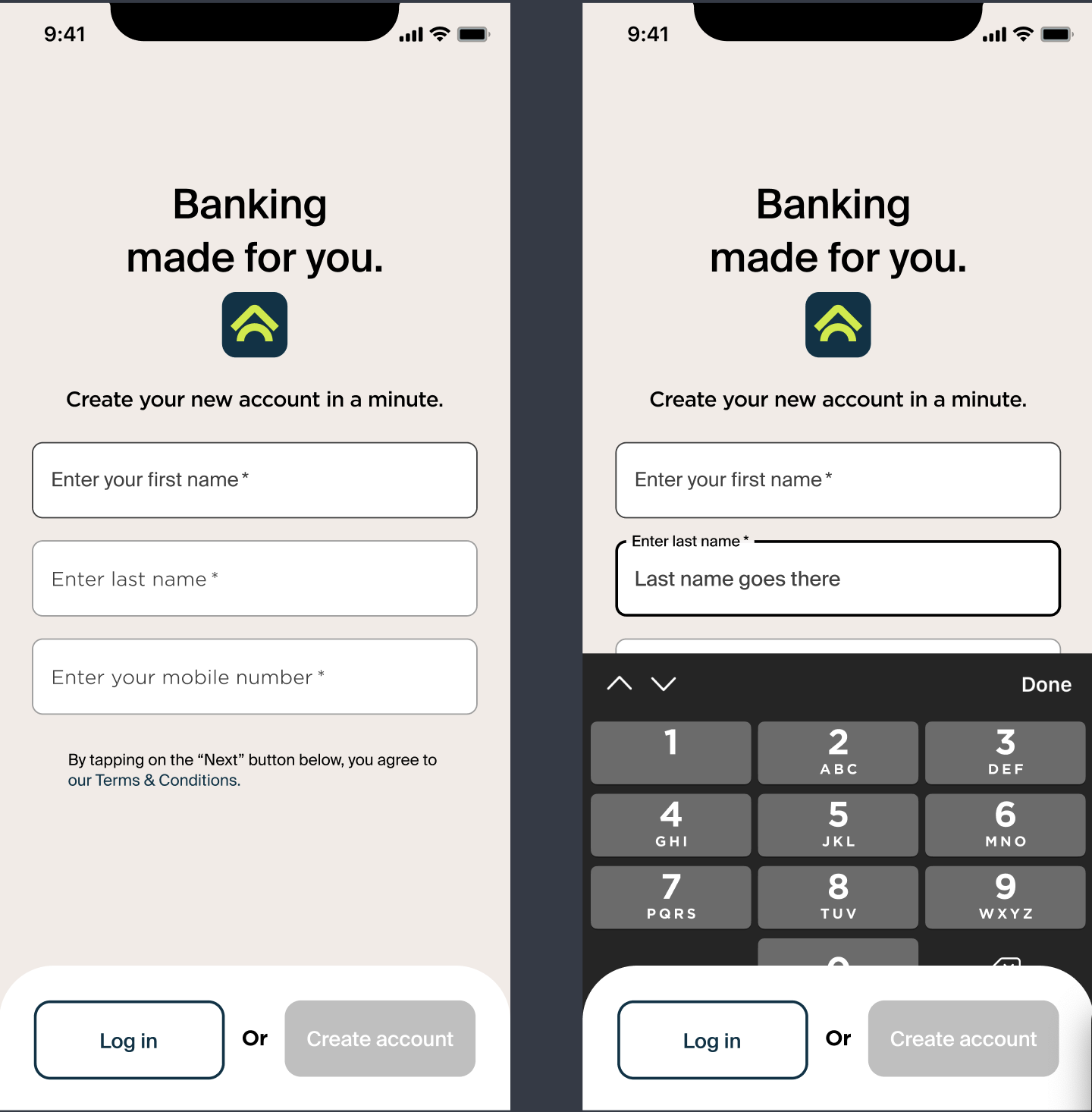
4. Scroll up the content automatically when the input field is below the keyboard region.
(MINIMUM GAP FROM FOCUSED INPUT TO KEYBOARD IS 16px)