
The purpose of a tutorial in an application is to help new users learn how to use the application and get the most out of it. Tutorials can take following forms, such as:
-
Interactive walkthroughs: These tutorials guide users through the application step-by-step, showing them how to perform specific tasks.
-
Tooltips and pop-ups: These tutorials provide brief instructions on how to use specific features when users hover over or click on them.
Tutorials can be used to teach users about the following:
-
The basic features of the application: This includes things like how to navigate the user interface, create accounts, and save their work.
-
How to use specific features to accomplish specific tasks: This could include things like how to create a new document, edit a photo, or send an email.
-
How to get the most out of the application: This could include things like tips and tricks for using advanced features or how to customize the application to their own needs.
Here are some specific benefits of using tutorials in applications:
-
Reduced user onboarding time: Tutorials can help new users learn the basics of an application more quickly, which can reduce the amount of time they need to spend on onboarding.
-
Increased feature adoption: Tutorials can help users learn how to use specific features of an application, which can lead to increased feature adoption.
-
Improved user satisfaction: Users are more likely to be satisfied with an application if they are able to use it easily and effectively. Tutorials can help users achieve this by teaching them how to use the application correctly.
1. Schedule tile tutorial - Schedule creation
-
FIRST TIME ENTRY TUTORIAL
|
Description |
|
|---|---|
|
The tutorial is only visible for the first time users to help them understand the gesture interaction of the collapsed schedule tile in the payment module.
|
|
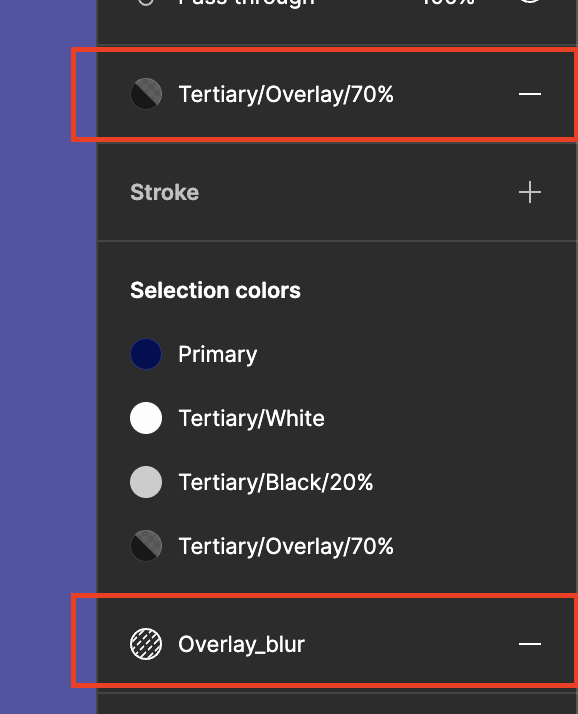
Background Blur
|
Background Blur |
|
|---|---|
|
|
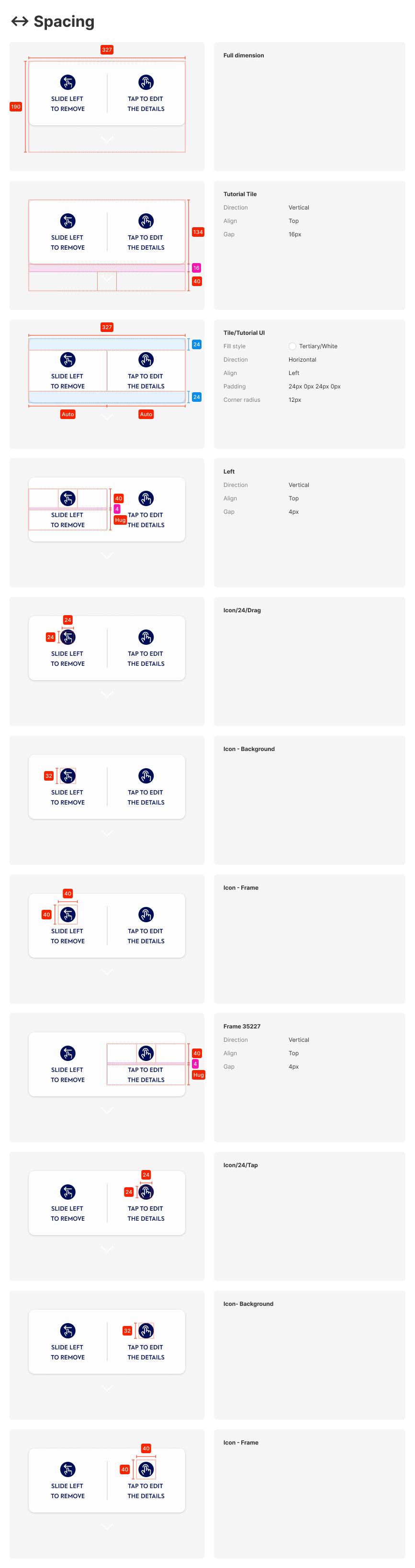
Info UI
The info allows visual and short description allowing users to indicate 2 different gesture functions.
1. Slide left to remove
2. to tap to edit the detail
Dimension:
Animating arrow
|
|
Material |
|---|---|
|

|